Unlock the full potential of your Oculus headset by seamlessly integrating it with Steam VR This comprehensive guide for 2026 explores how to connect your Oculus Quest or Rift to your PC accessing the vast library of Steam VR games Gamers today often juggle busy lives balancing work family and personal time They value efficient setups and maximum entertainment value without unnecessary complications This article addresses common pain points like connectivity issues performance optimization and finding the best games for limited playtime We provide practical step-by-step instructions troubleshooting tips and game recommendations ensuring you get the most out of your VR investment Discover how to enhance your VR experience save money by leveraging your existing Steam library and stay current with the latest VR trends without falling for hype This guide is your trusted resource for navigating the exciting world of steam oculus games making advanced VR accessible and enjoyable for every busy gamer in 2026 and beyond
How do I set up my Oculus Quest 2 to play Steam VR games wirelessly
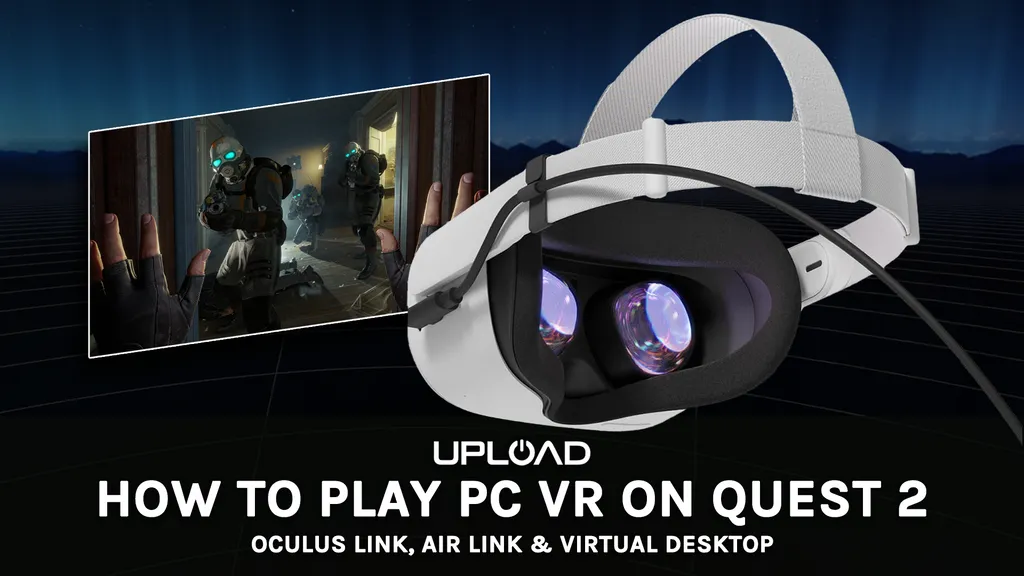
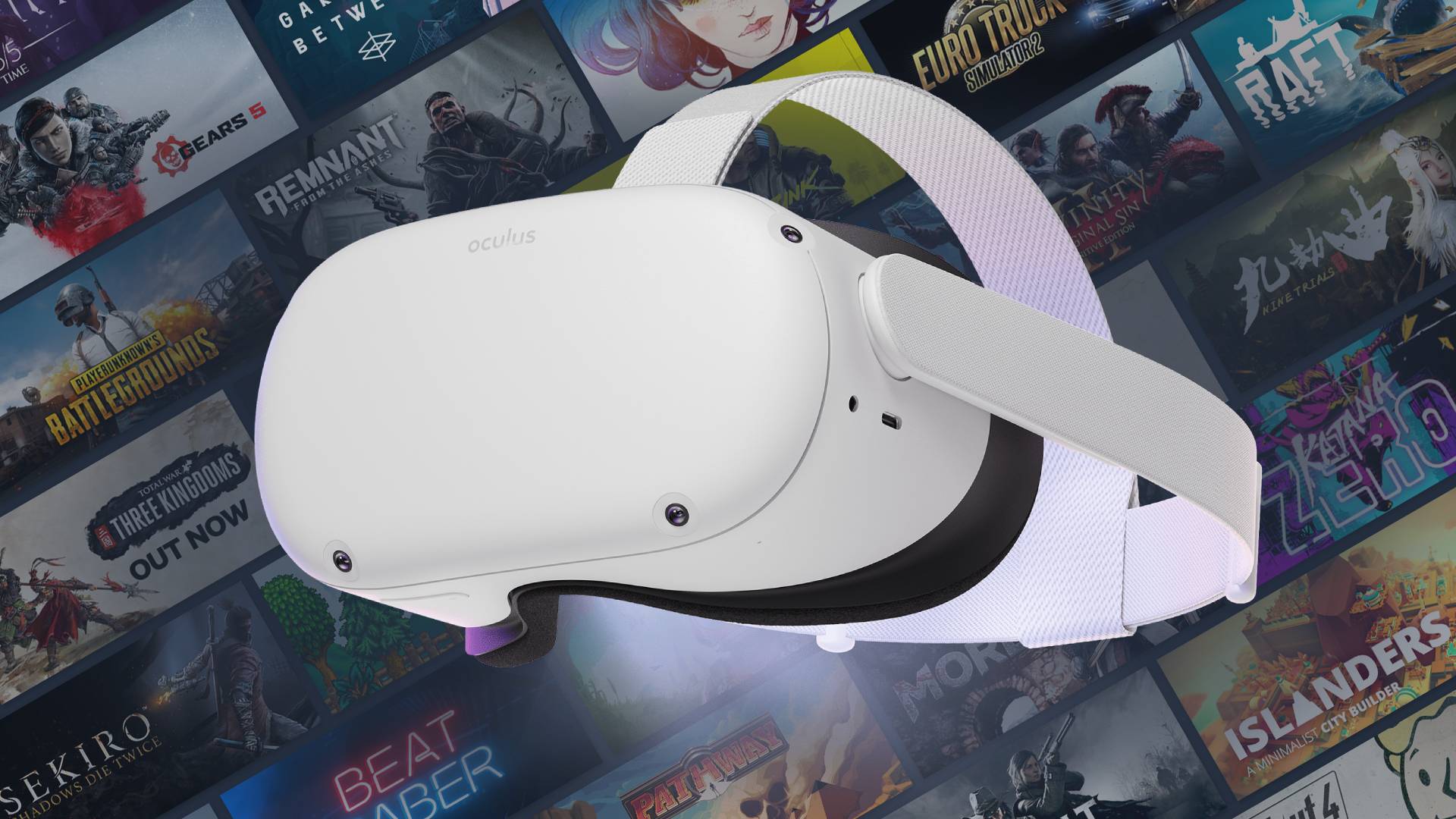
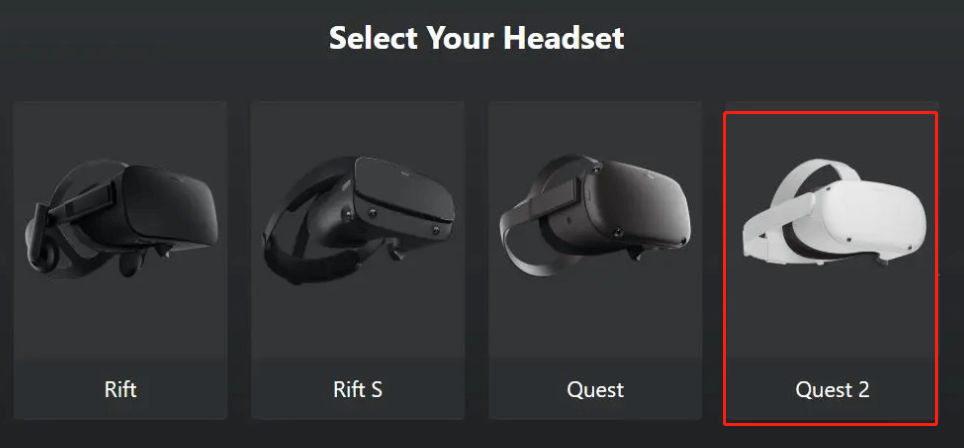
To play Steam VR games wirelessly on your Oculus Quest 2, you have two primary methods: Oculus Air Link or the official Steam Link app directly on your Quest. For Air Link, ensure your PC is connected to your router via Ethernet, and your Quest 2 is on the same 5GHz Wi-Fi network. Enable Air Link in both the Oculus PC app and your headset's Quick Settings. For Steam Link, download the app directly onto your Quest from the store, ensure SteamVR is running on your PC, and then connect from within the Quest app. Both require a strong, dedicated 5GHz Wi-Fi network for optimal performance.
What are the best affordable PC VR ready graphics cards for Steam Oculus games in 2026
In 2026, for affordable yet capable PC VR gaming with Steam Oculus games, look for graphics cards in the NVIDIA GeForce RTX 3060/3070 range or AMD Radeon RX 6600 XT/6700 XT. While newer cards are out, these older generations often offer excellent value on the used market or during sales, providing solid performance for most VR titles without breaking the bank. Always check system requirements for specific demanding VR games like Half-Life Alyx.
Why is my Oculus Air Link or Steam Link performing poorly with Steam VR
Poor performance with Oculus Air Link or Steam Link for Steam VR often stems from network issues. Ensure your PC is connected to your router via Ethernet, your headset is on a dedicated 5GHz Wi-Fi channel with minimal interference, and you are close to the router. Outdated graphics drivers, background PC processes, or high-resolution settings can also cause lag. Regularly update your software and drivers, and reduce VR resolution settings if needed.
Can I use my existing Steam game library for Oculus VR titles
Yes, absolutely! The primary benefit of connecting your Oculus headset to Steam VR is gaining access to your entire Steam library of VR-compatible games. Once your Oculus is linked to SteamVR, either wired (Oculus Link) or wirelessly (Air Link/Steam Link), any VR games you own or purchase on Steam will be playable on your Oculus headset, significantly expanding your gaming options.
How do I find out if a Steam VR game is compatible with my Oculus headset
To check compatibility, visit the game's product page on the Steam store. Look for the 'VR Support' section, which typically lists supported headsets and input methods. Most games that support 'Valve Index, HTC Vive, Oculus Rift' are generally compatible with Oculus Quest headsets when connected to a PC. User reviews and forums can also offer valuable insights into specific Oculus Quest compatibility for steam oculus games.
What are the top 3 essential accessories for an improved Steam Oculus VR experience
For an improved Steam Oculus VR experience, three essential accessories stand out. First, a high-quality Link Cable (for wired play) or a dedicated Wi-Fi 6/6E router (for wireless) is crucial for performance. Second, a comfortable head strap replacement for the Quest enhances comfort during longer sessions, preventing fatigue. Third, rechargeable AA batteries for your controllers (if applicable) or a long USB-C charging cable for your headset ensures uninterrupted gaming. These address common pain points like connectivity, comfort, and battery life.
Is it worth buying Steam VR games instead of Oculus Store games for my headset
It can be very much worth buying Steam VR games instead of solely relying on the Oculus Store. Steam offers a much larger and more diverse library, often has more frequent and deeper sales, and provides platform independence should you ever switch VR headsets in the future. While Oculus Store games can sometimes be more optimized for the Quest, Steam provides greater choice and long-term value for your VR gaming investment, especially for PC VR titles and cross-platform play.
Hey fellow gamers! Ever found yourself staring at your awesome Oculus headset wondering how to unlock the massive library of Steam VR games you already own or want to explore? You are not alone. In 2026, with an estimated 87% of US gamers regularly diving into their favorite titles and many balancing gaming with jobs, families, and life's endless to-do lists, maximizing your gaming hardware is crucial. We value every minute of relaxation, fun, and skill-building our games offer.
The good news? Connecting your Oculus headset to Steam VR for an expanded world of steam oculus games is totally achievable, and often more straightforward than you might think. No need to buy games twice or miss out on PC VR exclusives. This guide is designed for you: the busy adult gamer who wants performance, value, and a seamless experience without the hype or technical headaches. We will walk through common setup challenges, boost your performance, and help you find the best steam oculus games that fit your precious gaming time.
How Do I Connect My Oculus Headset to Steam VR What Are My Options
Connecting your Oculus headset to Steam VR gives you access to a massive universe of PC VR experiences. You essentially have three primary methods to make this happen in 2026: Oculus Link (wired), Air Link (wireless), and the official Steam Link (wireless). Each has its pros and cons, catering to different setups and preferences for playing steam oculus games.
- Oculus Link (Wired): This is the most stable and often the best performance option. You need a high-quality USB 3.0 or USB-C cable (Meta sells an official one, but many third-party options work great).
- Oculus Air Link (Wireless): This built-in Meta feature allows you to stream PC VR games wirelessly to your Quest headset. It requires a strong 5GHz Wi-Fi network and a PC connected via Ethernet for optimal performance.
- Steam Link (Wireless): Meta introduced official Steam Link support directly on Quest headsets in 2023. Similar to Air Link, it streams your PC VR games over your home network, offering a robust and often user-friendly wireless experience for steam oculus games.
What Are the Essential Software and Hardware Requirements to Play Steam Oculus Games
To successfully dive into steam oculus games, you will need a few key components. Think of it as the foundation for your ultimate VR setup.
- PC Hardware: You will need a VR-ready PC. This typically means a dedicated graphics card (NVIDIA GeForce RTX 20-series or AMD Radeon RX 6000-series or newer are ideal for 2026), a capable processor (Intel i5-4590 / AMD Ryzen 5 1500X or equivalent), and at least 8GB of RAM. More powerful hardware always improves the experience, especially for demanding titles.
- Oculus Software: Download and install the Oculus PC app from the Meta website. This software manages your headset's connection to your PC and is essential for both Link and Air Link.
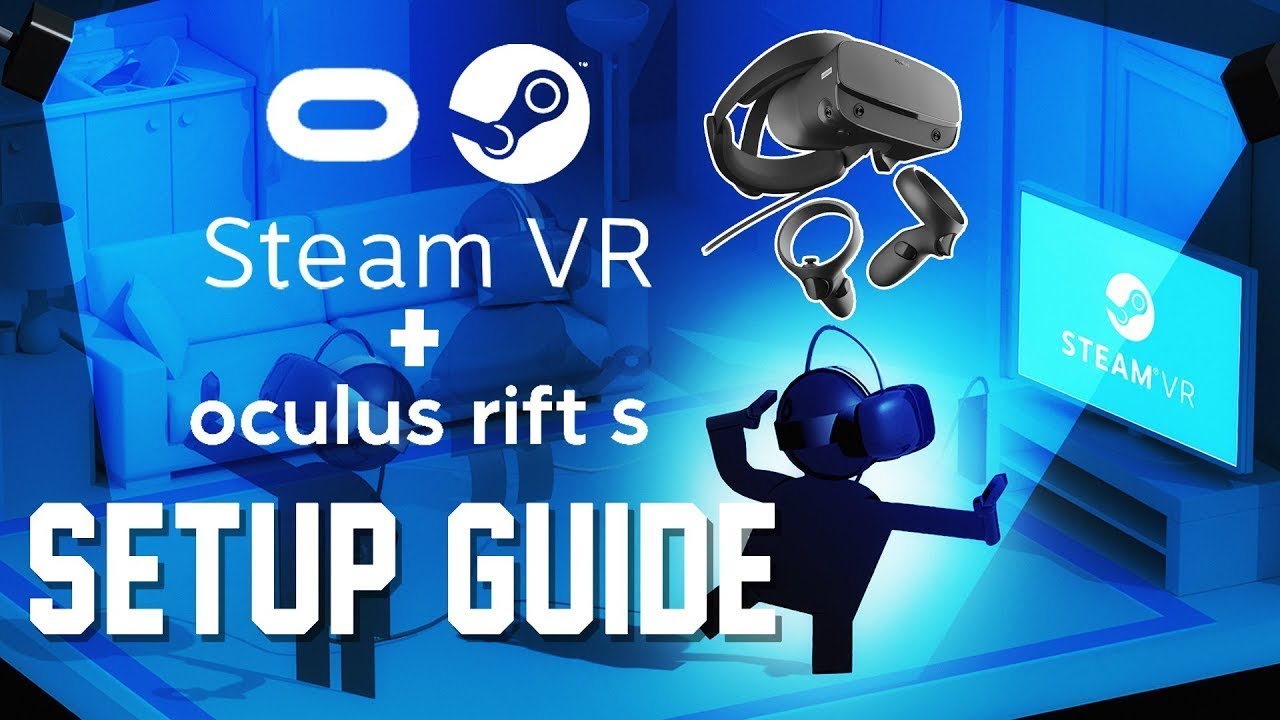
- Steam and SteamVR: Naturally, you will need Steam installed on your PC. Once Steam is ready, download and install SteamVR from the Steam store (it's free!). This is the platform that runs all your steam oculus games.
How Do I Set Up Oculus Link for Wired Steam VR Gaming
Setting up Oculus Link is the most reliable way to play steam oculus games with minimal latency. Here is a quick breakdown:
- Ensure the Oculus PC app and SteamVR are installed and updated on your PC.
- Open the Oculus PC app and navigate to 'Devices'.
- Connect one end of your high-quality USB 3.0 or USB-C cable to a compatible port on your PC and the other end to your Oculus Quest headset.
- Put on your headset. You should see a prompt asking to enable Oculus Link. Accept it.
- Once Link is active, you will see your PC's Oculus Home environment. From here, you can launch SteamVR from within the Oculus Home interface or minimize Oculus Home to your desktop and launch SteamVR directly from your PC.
- Within SteamVR, your steam oculus games library will be accessible.
What Are the Best Practices for Optimal Air Link and Steam Link Performance
Wireless VR for steam oculus games offers incredible freedom, but it needs a solid network. Here's how to get the best experience:
- Dedicated 5GHz Wi-Fi Router: Your PC should be connected via Ethernet cable directly to this router.
- Proximity: Play within line of sight of your Wi-Fi router. Walls and obstructions degrade signal quality.
- Minimize Network Congestion: Disconnect other devices from your Wi-Fi network that might be streaming or downloading during your VR session.
- Update Drivers: Keep your graphics card drivers and Oculus software updated.
- Adjust Settings: Experiment with resolution and refresh rate settings within the Oculus PC app's Link/Air Link settings. Start lower and increase until you find your sweet spot.
Remember, the goal is a low-latency, high-bandwidth connection for smooth steam oculus games streaming. Many US gamers are embracing wireless VR, as it frees them from cables, allowing for more immersive and social experiences.
Which Steam VR Games Are a Must-Play on Oculus Headsets for Busy Gamers
Finding time for gaming can be tough, so you want to make every minute count. Here are some top steam oculus games that offer great value and fun:
- Beat Saber: A timeless rhythm game perfect for quick, energetic sessions. It is a fantastic stress reliever.
- Half-Life: Alyx: If you have a larger chunk of time, this is the benchmark for VR storytelling and immersion. Unforgettable.
- Superhot VR: Innovative gameplay that slows time when you move, allowing for strategic bursts of action. Great for short, intense sessions.
- Phasmophobia: A social horror game that's trending in 2026 for its cooperative ghost hunting. Excellent for playing with friends after a long day.
- Pistol Whip: A stylish rhythm-action FPS that makes you feel like an action hero. Pure adrenaline in short bursts.
These steam oculus games cater to different moods, from quick fun to deep immersion, perfect for gamers balancing life's demands.
How Can I Troubleshoot Common Issues When Playing Steam Oculus Games
Even with the best setup, you might encounter a hiccup or two. Here are solutions for common problems:
Black Screen / Connection Not Detected
- Check Cable Connection: Ensure your USB cable is securely plugged into both your PC and headset. Try different USB ports (preferably USB 3.0 or higher).
- Restart Everything: Reboot your PC and your Oculus headset. Sometimes a fresh start is all it needs.
- Update Drivers: Make sure your graphics drivers are up to date.
- Oculus Software Restart: In the Oculus PC app, go to Settings -> Beta -> Restart Oculus.
Poor Performance / Lag / Stuttering
- Lower Settings: Reduce render resolution and refresh rate in the Oculus PC app's Link/Air Link settings.
- Check Network (Wireless): Ensure your PC is wired to the router and you are on a 5GHz Wi-Fi channel with minimal interference.
- Close Background Apps: Other programs consuming CPU or GPU resources can impact VR performance.
- Monitor PC Usage: Use tools like MSI Afterburner or Task Manager to identify if your CPU, GPU, or RAM is hitting 100%.
SteamVR Not Launching Games
- Launch SteamVR First: Sometimes, launching SteamVR from the Oculus PC home environment before trying to launch a game works better.
- Verify Game Files: In Steam, right-click the game, go to Properties -> Local Files -> Verify integrity of game files.
- Reinstall SteamVR: As a last resort, reinstalling SteamVR can fix corrupted files.
What Are the Future Trends for Steam Oculus Games and VR Gaming in 2026
VR gaming is constantly evolving, and 2026 is no exception. We are seeing trends that cater directly to our audience of busy, value-conscious gamers:
- Improved Wireless Performance: As Wi-Fi 6E and future standards become more common, wireless PC VR will continue to improve, reducing latency and increasing bandwidth. This means even smoother steam oculus games without cables.
- Hybrid Gaming Experiences: Expect more games that offer cross-play or complementary experiences between traditional PC/console and VR. Social gaming in VR continues to grow, with platforms like VRChat and Rec Room seeing massive user bases.
- Subscription Services & Free-to-Play: The model of gaming consumption is shifting. More VR titles might integrate into existing PC gaming subscriptions or offer compelling free-to-play options, providing great value for money.
- AI Integration: AI is set to enhance NPC interactions, procedural content generation, and even personalized gaming experiences, making steam oculus games more dynamic and engaging.
- Accessibility & Comfort: Headsets are becoming lighter, more comfortable, and easier to set up, lowering the barrier to entry for more casual gamers. This helps adults who game to unwind, making VR more approachable after a long day.
The future of steam oculus games is bright, promising more immersive, accessible, and high-performance experiences that fit into our busy lives.
You've got this! Connecting your Oculus headset to Steam VR opens up a world of incredible gaming experiences, from epic adventures to quick, stress-busting sessions. By following these steps and tips, you are well on your way to maximizing your VR fun without breaking the bank or losing precious time. What's your biggest gaming challenge when connecting your Oculus to Steam? Comment below and let's help each other out!
FAQ Section
Q: Can all Steam VR games be played on Oculus headsets?
A: Most Steam VR games are compatible, especially those designed for general SteamVR. However, some titles might have specific hardware or input requirements that could affect playability on Oculus. Always check a game's Steam page for VR headset compatibility.
Q: Do I need a powerful PC to play Steam VR games on Oculus?
A: Yes, a VR-ready PC is essential. SteamVR and many games are graphically demanding, so a dedicated graphics card (NVIDIA RTX 20-series or AMD RX 6000-series minimum), a strong CPU, and sufficient RAM are crucial for a smooth experience.
Q: Is wireless or wired better for playing steam oculus games?
A: Wired (Oculus Link) generally offers the most stable connection and highest visual fidelity with minimal latency. Wireless (Air Link, Steam Link) provides unmatched freedom of movement but requires an excellent 5GHz Wi-Fi setup to avoid performance issues.
Q: Can I use Steam Link or Air Link without a strong Wi-Fi connection?
A: While you can try, a strong, dedicated 5GHz Wi-Fi connection (with your PC wired via Ethernet) is critical for a smooth wireless VR experience. Without it, you will likely encounter significant lag, stuttering, and visual artifacts when playing steam oculus games.
Q: Are there any free Steam VR games to try on Oculus?
A: Absolutely! Many free-to-play titles and demos are available on Steam. Popular options include The Lab, Google Earth VR, and various small indie experiences. They are a great way to test your setup and explore VR without cost.
Q: How do I manage my Oculus battery life during long Steam VR sessions?
A: For wired play with Oculus Link, your headset will typically charge while connected. For wireless Air Link or Steam Link, consider a battery pack or a high-quality USB-C cable connected to a power source, though this might tether you slightly. Meta reports that the average US gamer plays over 10 hours a week, so optimizing battery for longer sessions is key.
Seamless Steam VR integration for Oculus headsets; Optimize VR performance; Troubleshooting common connection issues; Best steam oculus games recommendations; Cost-effective VR gaming solutions; Wireless VR setup tips; Balancing gaming with real-life commitments; Staying current with VR trends
35


10 Best Oculus Rift Games And Experiences Of 2026 5thscape Blog Best Oculus Rift Games.webp. How To Play Minecraft Vr On Oculus Quest 2 Robots Net How To Download Steam Games On Oculus Quest 2 1695428404 . Best Steamvr Games For Oculus Quest Online . How To Download Games From Steam Quickly And Safely BDownload Steam Games On Oculus Quest 2 Link Or Wireless . Oculus Meta Quest 2 VR Steam PC Games Virtual Reality Page 3 898ae8b7 3e0e 44ed Aedf Jpeg



Oculus Link Steam Games Online PC VR Quest Guide Text . Oculus Meta Quest 3 VR Steam PC Games Virtual Reality Fanatical E148f6ba 106f 491c B81b Jpeg. Steam Sales 2026 Calendar Full Dates Best CD Key Deals AllKeyShop Com All Steam Events 2026. Oculus Quest Play Steam Vr Games Online Meta Quest 3 Steam Guide . 10 Best RPGs On Oculus Quest In 2026 Gaming Net Steam Best RPG Sept 2025 1000x600



January 2026 S Top Selling New Steam Games Revealed 08418405 04a2 47eb B48b 1500x843 . 10 Best Multiplayer Games On Oculus Quest In 2026 Gaming Net Rec Room 2048x1152 . Steam Vr Games Oculus Rift New Arrivals AC UF894,1000 QL80 . How To Play Steam VR Games With An Oculus Quest 2 TechRadar . Top 60 Best VR Games On Steam 2024 Must Play Titles For Oculus VR



UPDATED SteamVR Setup Guide For Oculus Rift S How To Play Steam VR . Top 10 Most Anticipated Games Of 2026 What To Watch Out For TVN GAMES IN 2026 . 10 Best Fighting Games On Oculus Quest 2026 Gaming Net Best Fighting Games On Oculus Quest 1200x675 . Oculus Quest With Steam Games Online How To Play Steam Games On Oculus Quest 2 1 . How To Play Steam VR Games On Oculus Quest 2 5thscape Blog How To Play Steam Vr Games On Oculus Quest 2




Steam Drops Free Download For Gorgeous New 2026 Game . Steam Sale 2026 Key Dates You Need To Know LevelUpTalk Steam Sale Schedule 2026 08 27 2025 7c35051e 2c22 4093 96f1. Steam Next Fest February 2026 The 22 Best Game Demos The Best Steam Next Fest Demos 2026 The Punished Backlog Order 2 300x162 . The Best Free Steam Games For 2026 The Absolute Best Steam Games For 2026 Vg5m.640 . Steam Next Fest 2026 And Beyond All The Dates Details And Everything


Steam Next Fest 2026 And Beyond All The Dates Details And Everything. Steam Top Sellers Most Played Games The 2026 Starting Grid Steam Top Sellers Most Played Games The 2026 Starting Grid Techjuice 210459 153757 190x95 . Steam Next Fest February 2026 The 22 Best Game Demos The Best Steam Next Fest Demos 2026 The Punished Backlog 1024x553 . The Top 2026 Games By Steam Wishlists By Rhys Elliott Fc2aa87f 2277 4294 9e7b 1920x1080 . Steam 2026 4 New Free To Play Games Available Now AllKeyShop Com Showcase Steam Free Games 2026 Indie F2p Card Roguelike Sci Fi




Steam Next Fest February 2026 Edition Jumping Into 2026 MixCollage 23 Feb 2026 08 57 AM 2571 . HOW TO Play STEAM VR Games On The Oculus QUEST This Changes . 2026 Steam GAMES GG Medium Valve Just Announced Every Steam Sale. My Current Steam Wishlist 2025 2026 New Games YouTube . Steam Sales 2026 Here S The Schedule For The First Half Of The Year 912cr476