Discover if and how you can play online with Xbox Cloud Gaming. This comprehensive guide for 2026 explores the full multiplayer capabilities of xCloud, detailing the subscription requirements, essential hardware for optimal performance, and how to connect with friends across various platforms. Learn about cross-play support, minimize latency, and troubleshoot common issues to ensure a seamless online gaming experience. We cover everything from setting up your connection to understanding game-specific online features, providing insights into the future of cloud gaming and its social aspects. Get ready to dive into multiplayer action from anywhere, anytime, with Xbox Cloud Gaming.
- Can I use my existing Xbox friends list for online play on xCloud? - Yes, your existing Xbox friends list is fully integrated with Xbox Cloud Gaming. When you log in, you automatically access your friends, can send invites, join parties, and use voice chat just as you would on a physical Xbox console, ensuring a seamless social experience.
- What kind of games support online multiplayer on Xbox Cloud Gaming? - The vast majority of games available on Xbox Cloud Gaming that natively feature online multiplayer on Xbox consoles support it through xCloud. This includes popular genres like first-person shooters, RPGs, racing games, and cooperative adventures. Always check game descriptions for specific online features.
- Do I need a special controller for online Xbox Cloud Gaming? - While most Xbox-compatible controllers will work, an official Xbox Wireless Controller or a high-quality third-party equivalent is recommended for optimal responsiveness and compatibility in online play. Bluetooth or wired connection are both viable, with wired often offering lower input lag.
- How can I check my internet speed and latency for xCloud online gaming? - You can check your internet speed and latency using free online tools like Speedtest.net or Fast.com. These services will display your download speed, upload speed, and ping (latency), giving you a clear picture of your connection's suitability for online cloud gaming.
- Is 4K resolution supported for online multiplayer on Xbox Cloud Gaming? - As of 2026, Xbox Cloud Gaming primarily streams at up to 1080p resolution. While 4K streaming is a highly anticipated feature, it is not yet widely implemented for xCloud, especially for online multiplayer. Performance and latency are prioritized over ultra-high resolutions for now.
- Can I play online Xbox Cloud Gaming games on my Smart TV? - Yes, select Smart TVs from brands like Samsung often have the Xbox app built-in, allowing you to access Xbox Cloud Gaming directly. As long as your Smart TV has a stable internet connection and you connect a compatible controller, you can enjoy online multiplayer games on the big screen.
- What should I do if my voice chat isn't working during online xCloud play? - If your voice chat isn't working, first ensure your headset is properly connected and functioning. Check your device's audio settings to confirm the correct microphone input. Within the Xbox Cloud Gaming interface, verify your mic is not muted. If issues persist, test your headset with another application or device.
Can you play online multiplayer games with Xbox Cloud Gaming?
Yes, absolutely! Xbox Cloud Gaming (xCloud) fully supports online multiplayer for the vast majority of games available on the service, just like playing them on a traditional Xbox console. Your online experience, including joining parties and interacting with other players, is seamlessly integrated through your Xbox profile.What do I need to play online with Xbox Cloud Gaming?
To play online with Xbox Cloud Gaming, you primarily need an active Xbox Game Pass Ultimate subscription. Beyond that, a stable and high-speed internet connection (ideally 20 Mbps or higher for 1080p streaming) is crucial. A compatible device and a supported controller are also essential.Is an Xbox Live Gold subscription required for online play on xCloud?
No, an Xbox Live Gold subscription is NOT required if you have Xbox Game Pass Ultimate. Game Pass Ultimate inherently includes all the benefits of Xbox Live Gold, allowing you to access online multiplayer functionality directly through your Game Pass Ultimate subscription when using Xbox Cloud Gaming.How does latency affect online gaming on Xbox Cloud Gaming?
Latency, or input lag, is a key factor in online cloud gaming. It's the delay between your input and the game's response. High latency can lead to a less responsive and frustrating experience, especially in fast-paced competitive games. A strong, wired internet connection helps minimize latency.Can I play with friends who are on an Xbox console or PC?
Yes, in many cases! Xbox Cloud Gaming supports cross-play for games that offer this feature. If a game on xCloud has cross-play enabled, you can typically join and play with friends who are playing the same game on an Xbox console or PC, depending on the game's specific implementation.What are the internet speed recommendations for online cloud gaming?
For the best online Xbox Cloud Gaming experience, especially in multiplayer, Microsoft recommends a minimum of 20 Mbps download speed. However, for consistent 1080p streaming and reduced latency, speeds of 50 Mbps or higher are ideal. A wired Ethernet connection is always preferred over Wi-Fi.Are all games on Xbox Cloud Gaming compatible with online multiplayer?
The vast majority of games available on Xbox Cloud Gaming that originally featured online multiplayer on the Xbox console maintain this functionality through xCloud. Expect most modern multiplayer games to work seamlessly online, though checking specific game details is always a good practice.Can You Play Online with Xbox Cloud Gaming 2026? Your Ultimate Guide
The year is 2026, and the landscape of PC gaming continues its rapid evolution. With advancements in AI-enhanced game engines, hyper-realistic ray tracing, and the widespread adoption of high-refresh-rate monitors, gamers demand more than ever. But perhaps no trend is more transformative than the relentless growth of cloud gaming. Platforms like Xbox Cloud Gaming, often referred to as xCloud, are democratizing access to AAA titles, allowing players to jump into immersive worlds without needing a powerful local rig. However, a burning question remains for many enthusiasts and casual players alike: can you play online with Xbox Cloud Gaming?
As PC gamers, we value connectivity and the thrill of competitive or cooperative play. Whether it's teaming up for a raid in a new RPG, battling it out in a fast-paced shooter, or simply enjoying a social experience with friends, online multiplayer is a cornerstone of modern gaming. In this comprehensive FAQ-style guide, we'll dive deep into the online capabilities of Xbox Cloud Gaming in 2026. We'll explore exactly what you need to get started, how to ensure a smooth multiplayer experience, and answer all your pressing questions about latency, cross-play, and the future of social cloud gaming. Get ready to discover if xCloud truly delivers the online multiplayer experience you crave.
Understanding Xbox Cloud Gaming's Online Multiplayer
Xbox Cloud Gaming, powered by Microsoft's expansive server infrastructure, essentially streams full Xbox Series X games directly to your device. This means the actual game processing happens remotely, and you receive the video feed while sending your controller inputs back to the server. For online multiplayer, this distinction is critical, but rest assured, the functionality is robust.

Is Online Multiplayer Supported on Xbox Cloud Gaming?
Yes, absolutely! Xbox Cloud Gaming fully supports online multiplayer for the vast majority of games available on the service. If a game natively features online multiplayer on an Xbox console, you can expect that functionality to extend to the cloud version. This includes competitive PvP, cooperative PvE, and any other online social features a game offers. Your Xbox profile is seamlessly integrated, allowing you to access your friends list, party chat, and game invites just as you would on a physical console.
What Do I Need to Play Online with Xbox Cloud Gaming?
To embark on your online multiplayer journey with xCloud, a few key components are essential:
- Xbox Game Pass Ultimate Subscription: This is the cornerstone. Xbox Cloud Gaming is exclusively a perk of the Game Pass Ultimate tier. It includes access to a vast library of games, plus all the benefits of Xbox Live Gold (which covers online multiplayer fees) and EA Play.
- Stable, High-Speed Internet Connection: This cannot be stressed enough. For an optimal experience, especially in online multiplayer where split-second reactions matter, a minimum of 20 Mbps download speed is recommended. However, for 1080p streaming and competitive play, 50 Mbps or higher, preferably with a wired Ethernet connection, will drastically reduce latency and packet loss.
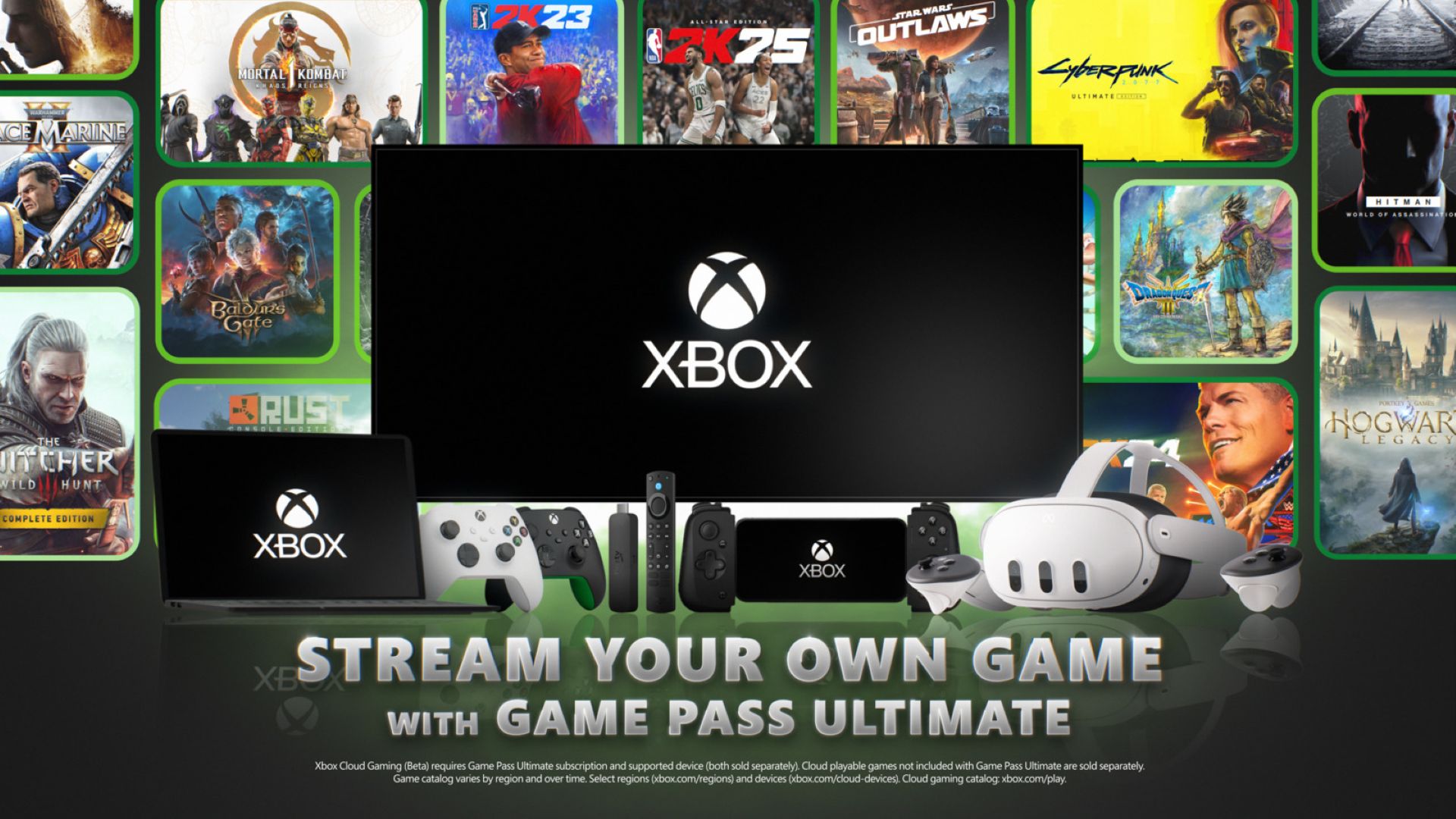
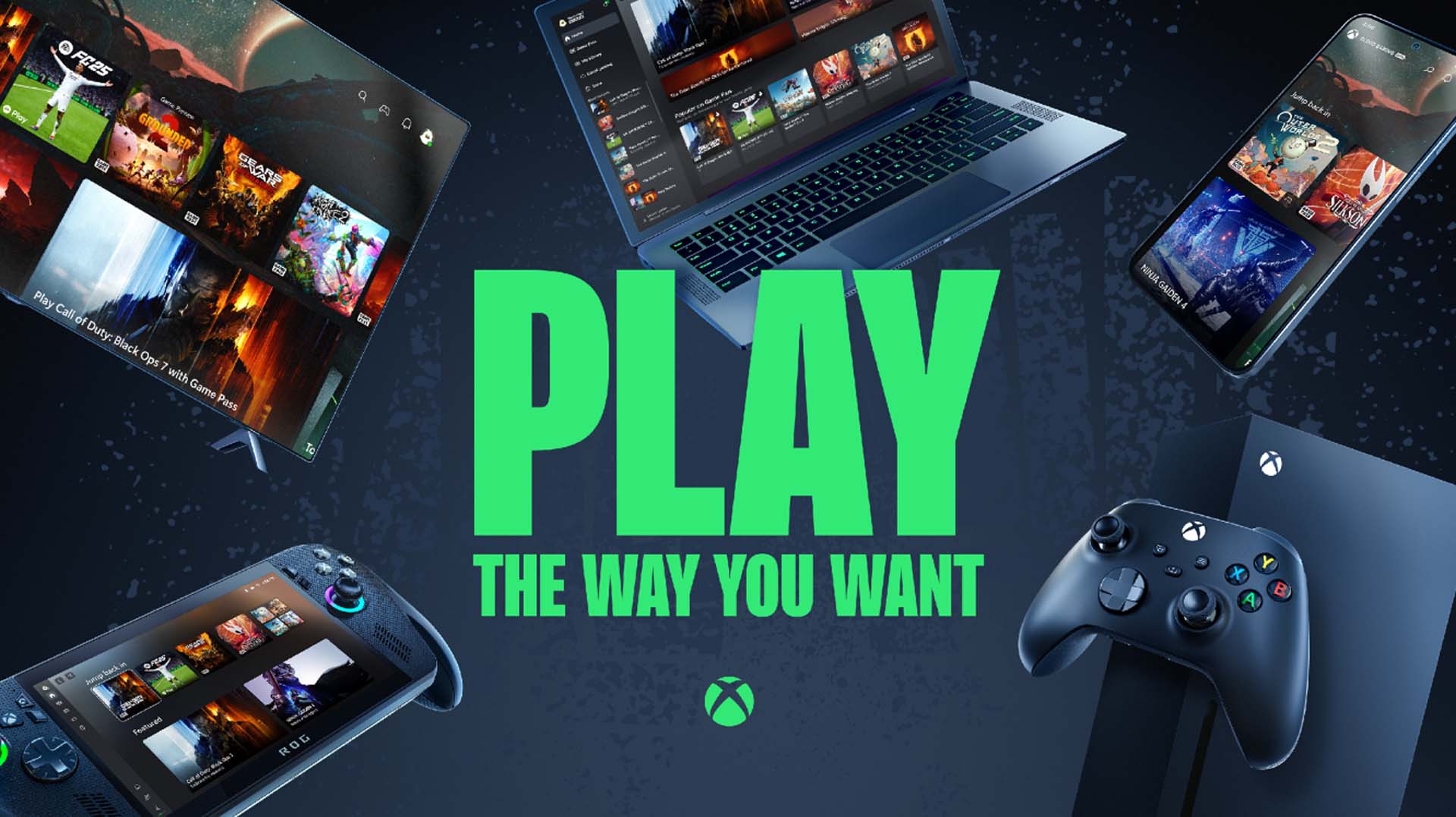
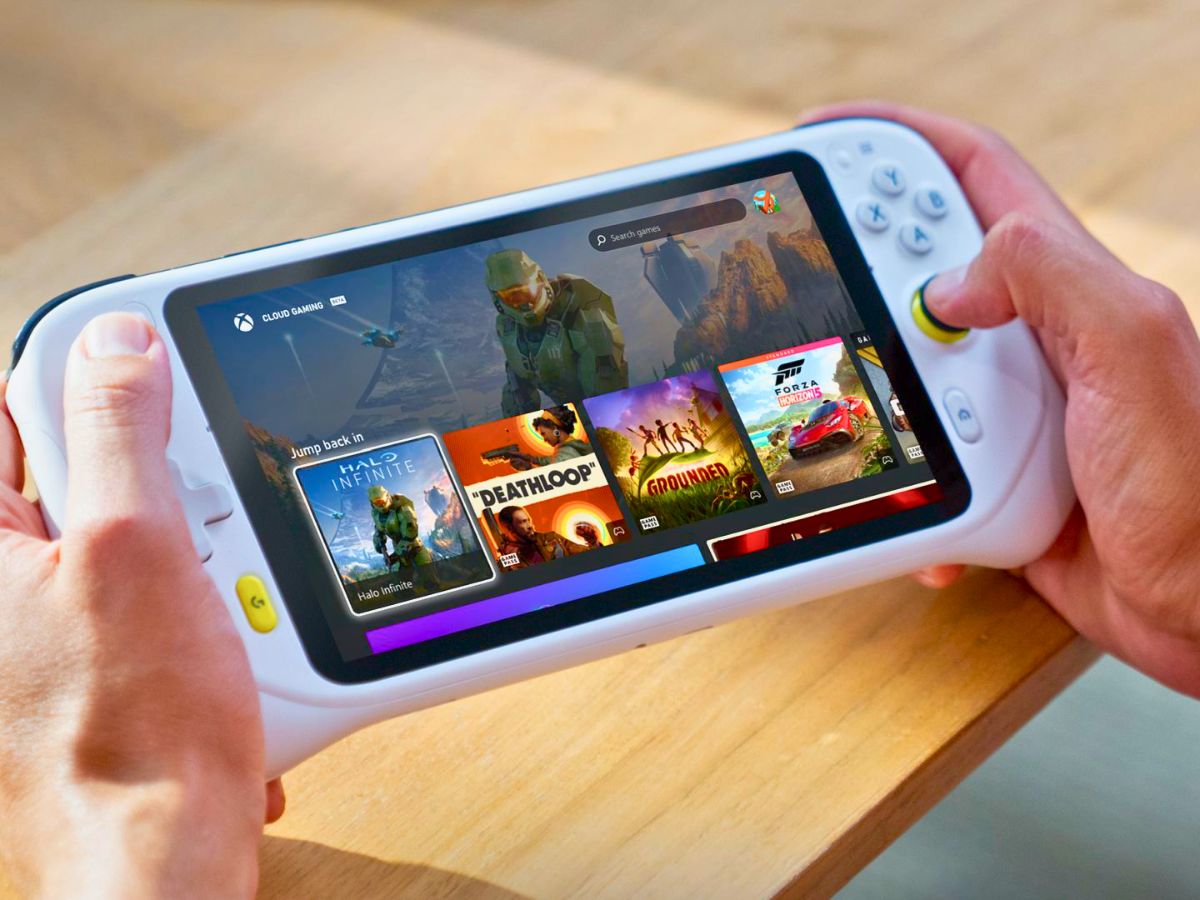
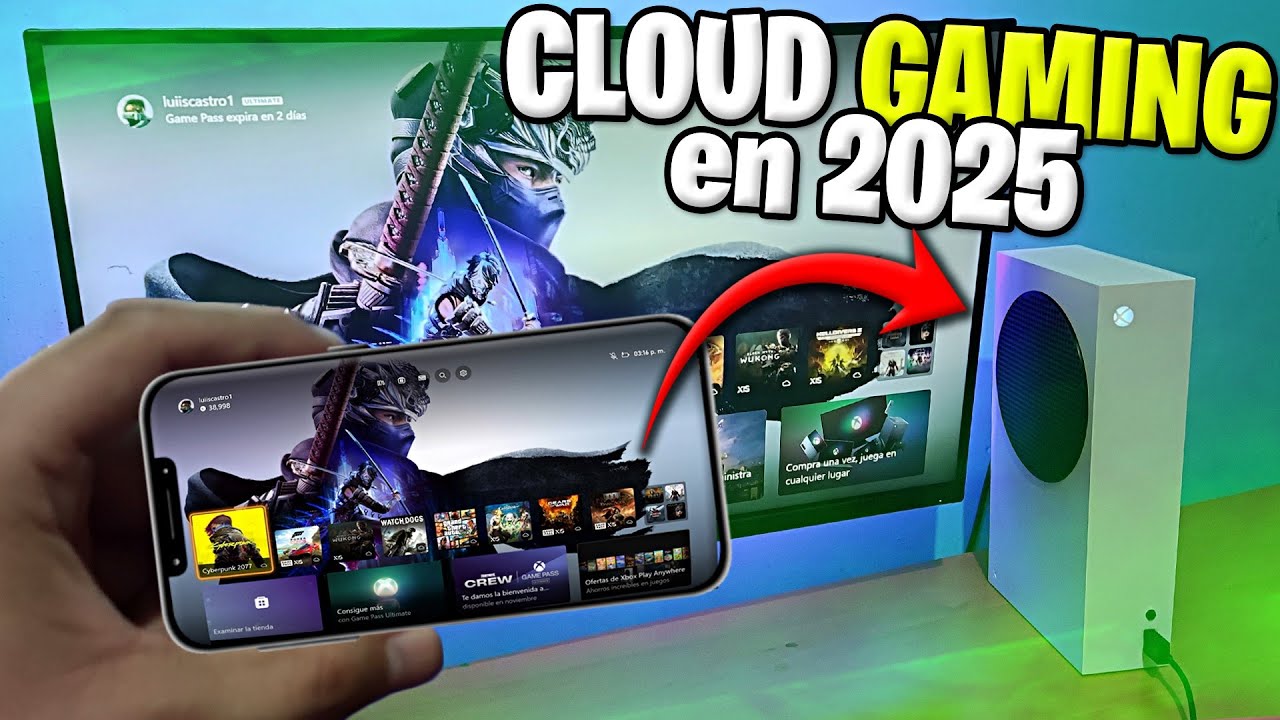
- Compatible Device: Xbox Cloud Gaming is accessible on a wide range of devices, including Windows PCs (via browser or Xbox app), Android phones/tablets, iOS devices (via browser), and select Smart TVs.
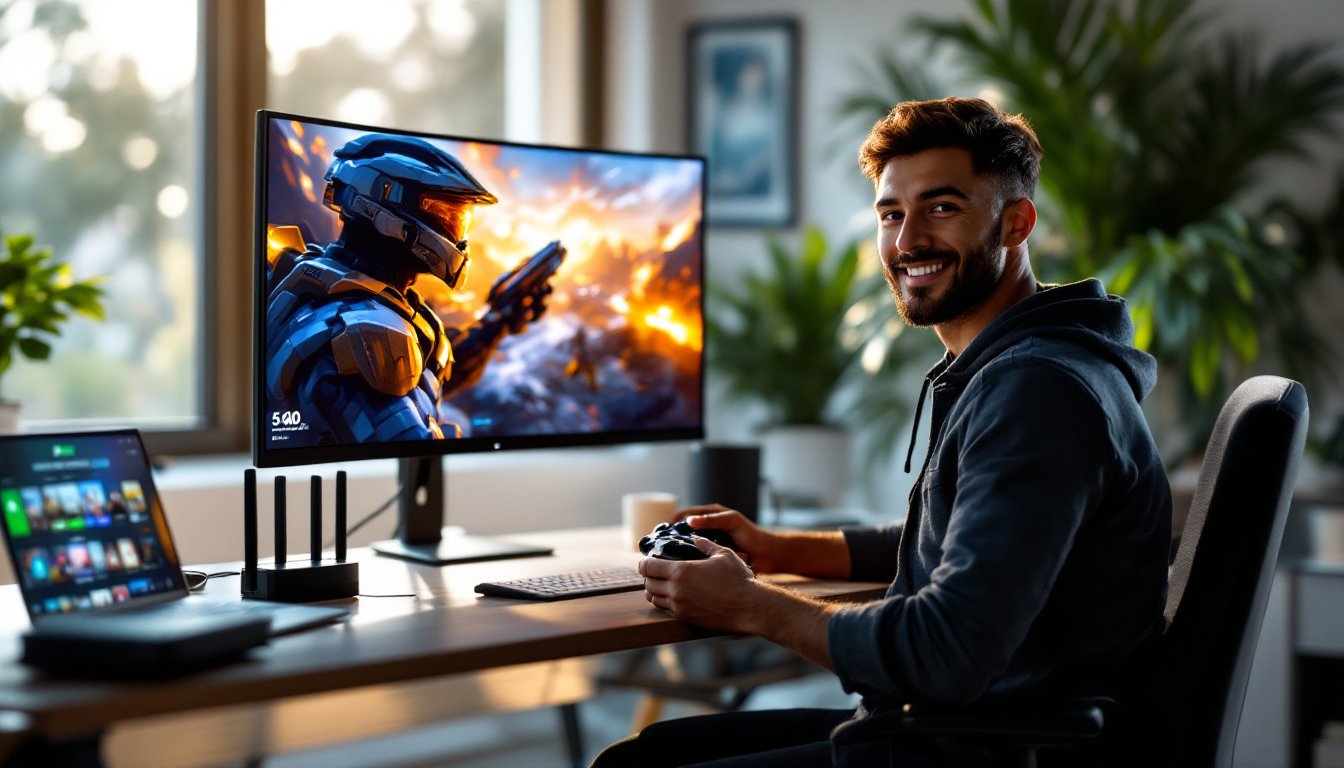
- Supported Controller: While some games may offer touch controls on mobile, a dedicated Xbox Wireless Controller (or a compatible third-party controller) is highly recommended for the best online gaming experience, especially for precision and responsiveness.
Is an Xbox Live Gold Subscription Required for Online Play on xCloud?
No, an Xbox Live Gold subscription is NOT required separately if you have Xbox Game Pass Ultimate. Game Pass Ultimate inherently bundles all the benefits of Xbox Live Gold, meaning your access to online multiplayer is covered by your Game Pass Ultimate subscription. This is a significant convenience for cloud gamers, streamlining their subscription needs.
Optimizing Your Online Cloud Gaming Experience
While xCloud makes gaming accessible, optimizing your setup is key to a smooth and competitive online experience, particularly when latency can be a factor.

How Does Latency Affect Online Gaming on Xbox Cloud Gaming?
Latency, often referred to as input lag or ping, is the delay between your action (e.g., pressing a button) and the game's response appearing on your screen. In cloud gaming, this delay is compounded by the round trip: your input travels to the server, the server processes it, renders the frame, and then streams that frame back to your device. High latency can severely impact competitive games like first-person shooters or fighting games, leading to missed shots, unresponsive controls, and a generally frustrating experience. Minimizing latency is paramount for online play.
Tips for Reducing Latency and Improving Online Performance
- Wired Connection is King: Always prioritize an Ethernet cable over Wi-Fi, especially for your gaming device. A wired connection is far more stable, less prone to interference, and generally offers lower ping.
- Bandwidth Management: Ensure other devices on your network aren't hogging bandwidth with downloads, streaming, or large updates while you're gaming. Consider QoS (Quality of Service) settings on your router to prioritize gaming traffic.
- Proximity to Server: While you can't control this directly, being geographically closer to an Xbox data center will naturally result in lower latency. Xbox typically connects you to the nearest available server.
- Router Optimization: Keep your router firmware updated. If using Wi-Fi, use the 5GHz band if available, as it offers faster speeds and less congestion than 2.4GHz, though its range is shorter.
- Close Background Applications: On your PC or mobile device, close any unnecessary background applications that might be consuming CPU cycles, RAM, or network bandwidth.
- Use a Low-Latency Display: If playing on a monitor or TV, ensure it has a 'Game Mode' or low input lag settings enabled.
Can I Play with Friends Who Are on an Xbox Console or PC?
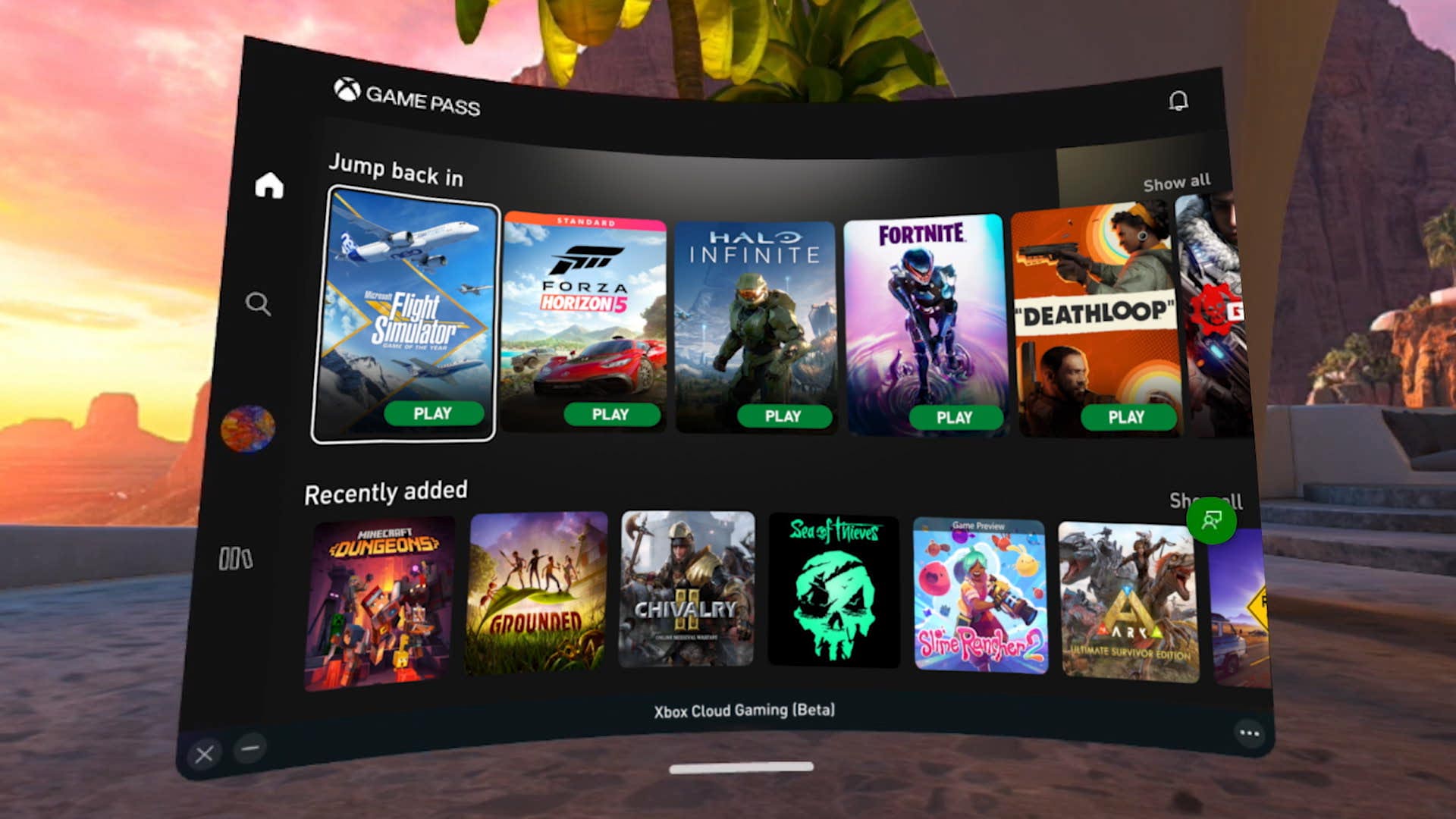
Yes, in many cases! Xbox Cloud Gaming supports cross-play for games that offer this feature. If a particular game on xCloud has cross-play enabled (e.g., Forza Horizon 5, Halo Infinite, Sea of Thieves), you can typically join and play with friends who are playing the same game on an Xbox console, a Windows PC (via the native game client), or even other cloud gaming platforms, depending on the game's specific implementation. Always check the game's details or official website for explicit cross-play support.

Game Availability and Cross-Platform Considerations
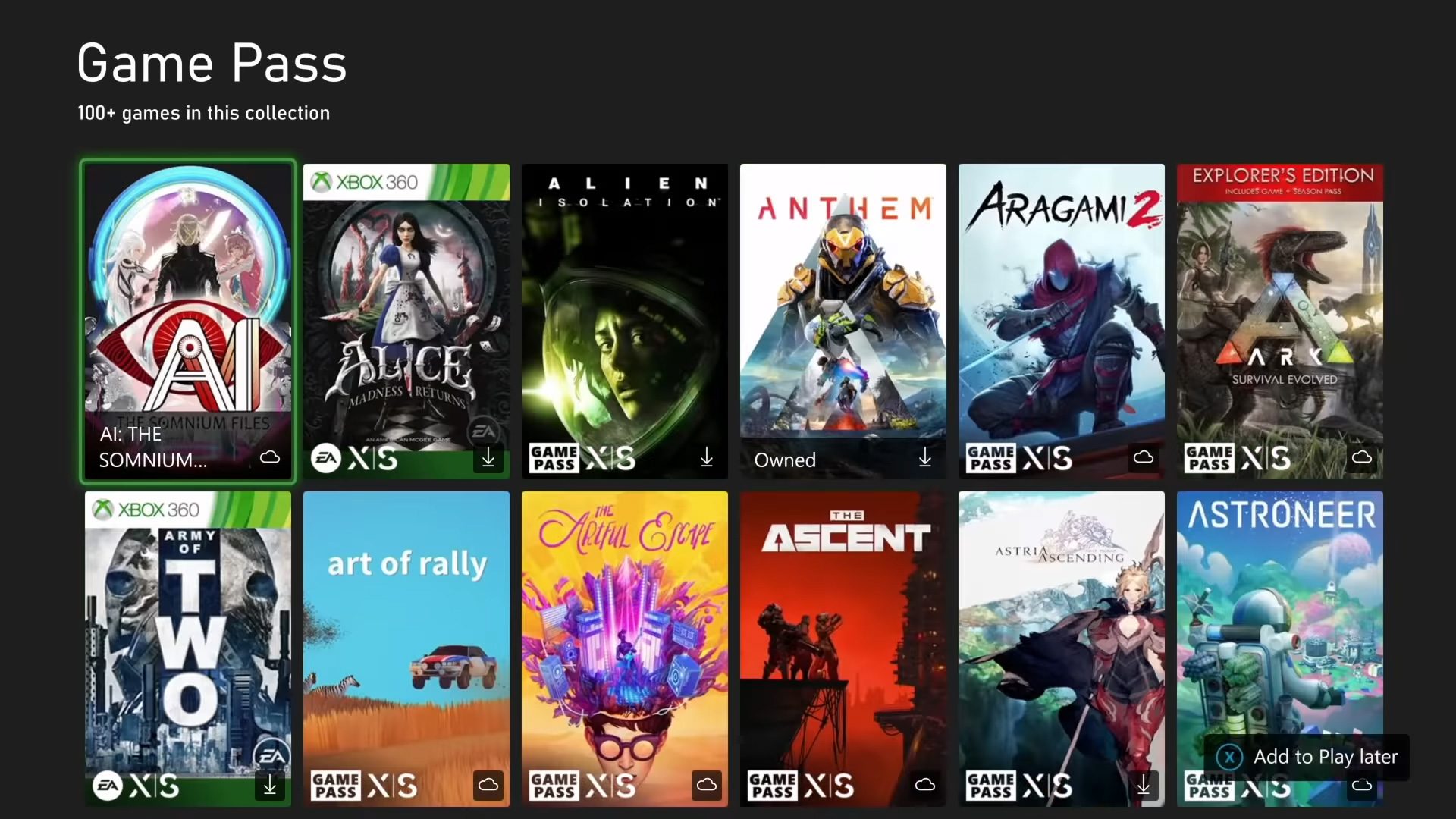
The library of games available on Xbox Cloud Gaming is constantly expanding, mirroring the Game Pass library. Understanding which games are optimized for cloud play and their multiplayer nuances is key.
Are All Games on Xbox Cloud Gaming Compatible with Online Multiplayer?
The vast majority of games available through Xbox Cloud Gaming that originally featured online multiplayer on the Xbox console maintain this functionality when streamed via xCloud. This includes popular titles across genres like shooters, RPGs, racing games, and cooperative adventures. However, there might be a very small number of exceptions, typically older titles or those with niche online components that might not translate perfectly to the cloud environment. Always check the game's description within the Xbox app or the official Game Pass website if you have doubts, but for most modern online-enabled games, expect seamless multiplayer access.
What About Voice Chat and Party Features on xCloud?
Voice chat and party features are fully integrated into Xbox Cloud Gaming. When you launch a game via xCloud, your Xbox profile logs in, giving you access to your Xbox friends list. You can invite friends to parties, join existing parties, and use voice chat just as you would on an Xbox console. This means you can communicate with teammates or opponents, coordinate strategies, and socialize with friends regardless of whether they are on an Xbox console, a Windows PC running the native game, or also using xCloud. A headset with a microphone connected to your device will typically work without issue.

Troubleshooting Common Online Issues
Even with the best setup, cloud gaming can sometimes present unique challenges. Here's how to tackle them.
Why Is My Online Experience Laggy or Unresponsive?
Persistent lag or unresponsiveness in online cloud gaming is almost always related to your internet connection. Here's a troubleshooting checklist:
- Check Internet Speed: Use an online speed test (e.g., Speedtest.net) to verify your download and upload speeds. Compare them against the recommended 20-50 Mbps.
- Ping Test: Look at your ping (latency) to servers. High ping indicates a slow connection to remote servers.
- Wired vs. Wi-Fi: If on Wi-Fi, try connecting via Ethernet. If that's not possible, move closer to your router or try using the 5GHz band.
- Router Reboot: Sometimes a simple router reboot can clear up network congestion.
- Server Status: Check the official Xbox Status page to see if there are any ongoing issues with Xbox services or Cloud Gaming specifically.
- Device Performance: Ensure your device isn't struggling. Close other demanding apps. Update graphics drivers if on PC.
My Controller Isn't Working Correctly in Online Games. What's Wrong?
Controller issues can stem from a few sources:
- Connectivity: Ensure your controller is properly paired via Bluetooth or connected via USB. Try re-pairing or using a different USB port/cable.
- Battery: Check controller battery levels.
- Compatibility: While most Xbox-compatible controllers work, some third-party controllers might have limited functionality or require specific drivers. Ensure your controller is officially supported or a widely recognized Xbox peripheral.
- Input Lag: If inputs feel delayed, this again points to network latency. See the tips above for reducing latency.
- Firmware: Ensure your controller's firmware is up to date. You can usually do this via an Xbox console or the Xbox Accessories app on PC.
The Future of Online Cloud Gaming in 2026 and Beyond
As we look to 2026 and beyond, the trajectory for online cloud gaming, especially with platforms like Xbox Cloud Gaming, is nothing short of exciting. We can anticipate even greater integration, performance, and accessibility.

Enhanced Performance and AI Integration
Expect continuous improvements in server hardware and streaming technology. This means even lower latency, higher resolutions (4K streaming might become more commonplace), and potentially even AI-enhanced upscaling or frame generation capabilities directly on the server side, leading to smoother visuals without demanding more from your local internet connection. The synergy between AI and cloud infrastructure will likely create more dynamic and responsive gaming environments.
Broader Device Compatibility and Accessibility
Cloud gaming will continue its expansion into more devices, including a wider range of smart TVs, dedicated streaming sticks, and perhaps even in-car entertainment systems. This broader reach will further democratize access to high-fidelity gaming, allowing more players to participate in online multiplayer regardless of their hardware budget.
Deeper Social Features and Metaverse Integration
The social fabric of cloud gaming is poised to evolve. We might see more integrated social hubs, cross-platform party systems that transcend individual games, and perhaps even early forms of metaverse integration where your Xbox identity and gaming achievements seamlessly follow you across diverse online experiences. The emphasis will be on effortless connection and shared virtual spaces.
Conclusion: Your Online Multiplayer Hub in the Cloud
In 2026, the answer to "can you play online with Xbox Cloud Gaming" is a resounding yes. It's not just a solo experience; it's a vibrant, connected ecosystem that allows you to dive into the heart of multiplayer action with friends and fellow gamers, whether they're on a console, PC, or another cloud device. With an Xbox Game Pass Ultimate subscription and a solid internet connection, you hold the power to engage in thrilling online battles, embark on cooperative quests, and experience the full social spectrum of modern gaming, all streamed directly to your preferred device.
As cloud gaming continues to mature, its online capabilities will only grow stronger, offering an increasingly seamless and responsive experience. So, fire up your device, grab your controller, and connect with the vast Xbox community from anywhere. The future of online gaming is here, and it's in the cloud. Share your favorite online Xbox Cloud Gaming experiences in the comments below!
Additional FAQ
What are the internet speed recommendations for online cloud gaming?
For the best online Xbox Cloud Gaming experience, especially in multiplayer, Microsoft recommends a minimum of 20 Mbps download speed. However, for consistent 1080p streaming and reduced latency, speeds of 50 Mbps or higher are ideal. A wired Ethernet connection is always preferred over Wi-Fi to ensure maximum stability and minimize signal interference for competitive online play.
Are there any specific network ports to open for Xbox Cloud Gaming?
Generally, no. Xbox Cloud Gaming operates much like standard web streaming services, typically using common internet ports that are usually open by default. You shouldn't need to manually configure port forwarding for xCloud to work. If you encounter connectivity issues, focus on overall internet stability and speed rather than specific port settings, which are more common for console-to-console connections.
Does Xbox Cloud Gaming support keyboard and mouse for online games?
Currently, Xbox Cloud Gaming primarily supports controller input. While some specific games might offer limited keyboard and mouse support when played via the browser on PC, it is not a universally supported input method for all cloud games, especially for online multiplayer. For the most consistent and optimal experience, an Xbox-compatible controller is strongly recommended for all games.
Can I stream Xbox Cloud Gaming and play online while traveling?
Yes, you can stream Xbox Cloud Gaming and play online while traveling, provided you have access to a stable, high-speed internet connection. This could be hotel Wi-Fi, a mobile hotspot, or public Wi-Fi. Be mindful of data caps if using a mobile hotspot. Performance will heavily depend on the quality and speed of the internet connection at your location. Latency might be higher if you are far from an Xbox data center.
Is there a data cap concern when playing online with Xbox Cloud Gaming?
Yes, playing online with Xbox Cloud Gaming consumes significant data. Streaming games at 1080p can use several GBs per hour. If you have an internet plan with a data cap, continuous cloud gaming can quickly eat into your allowance, potentially leading to overage charges or throttled speeds. Always monitor your data usage and consider an unlimited data plan if cloud gaming is a regular activity for you.
Author Bio: [Your Name/Gaming Expert] is a seasoned PC gaming content writer and SEO specialist with over a decade of experience dissecting the latest hardware, software, and trends in the gaming world. A passionate advocate for accessible gaming, [he/she] has been building custom rigs and exploring the cutting edge of gaming technology since the early 2000s, providing expert insights for U.S. gamers navigating the ever-evolving digital frontier.
Xbox Cloud Gaming fully supports online multiplayer. Requires Xbox Game Pass Ultimate subscription. A stable, high-speed internet connection is crucial for low latency. Most games support online play just like on a console. Cross-play functionality depends on the individual game's design. Controller is generally recommended for the best experience. Access xCloud on PC, mobile, and smart TVs.
35


Xbox Cloud Gaming Kommt 2026 Auf Hisense Smart TVs Xcg S1.webp. Xbox Cloud Gaming Kommt 2026 Auf Hisense Smart TVs Xcg.webp. Xbox Cloud Gaming Is It Changing How We Play Forever Xbox Cloud Gaming Menu . Xbox Cloud Gaming In 2026 The Complete Guide To Streaming Free Tiers Xbox Cloud Gaming 1 . Microsoft Could Launch Free Xbox Cloud Gaming Service In 2026


Top Cloud Gaming Services For 2026 Pricing Game Libraries And Xbox Cloud Gaming Service 1024x576 1.webp. Which Xbox 360 Games Are Still Alive Online In 2026 Complete Review 01 Stream Your Own Game . BEFORE You BUY XBOX Cloud Gaming Review In 2026 Game Pass Is FOR . Best Games On Xbox Cloud Gaming Right Now 2025 Update Best Games On Xbox Cloud Gaming 2048x1117 . Ahora Si XBOX CLOUD GAMING En 2026 Es YouTube

Xbox Cloud Gaming 1440p Guide 2026 What Changed Which Game Pass Section 1 . What Is Xbox Cloud Gaming Everything You Need To Know TechLatest Xbox Cloud Gaming 1 1200x645 . What Is Cloud Gaming On Xbox Everything You Need To Know GamesRadar 1200 80 . Xbox Cloud Gaming Launching Ad Supported Tier In 2026 For Digital Game Image.php. Xbox Cloud Gaming Expands To More Smart TVs In 2026 AllKeyShop Com Xbox Cloud Gaming Smart Tv 1200x628 1.webp

Getting Started With Xbox Cloud Gaming XBOX Wire Cloud . Xbox Cloud Gaming 2026 The Ultimate Guide To Streaming Games Without A Airtable 1 . Free Games On Xbox Cloud Gaming Without Game Pass Tr I Nghi M Ch I Xbox Cloud Gaming On Xbox One And Xbox Series X S . Is Xbox Cloud Gaming Free The Honest Answer 2026 GPM Xbox Cloud Gaming.webp. Xbox Cloud Gaming Getting Started The Complete Beginner S Guide 2026 Xbox Cloud Gaming 1 1.webp


Report Xbox Cloud Gaming Could Get Free Ad Supported Tier Report Xbox Cloud Gaming Could Get Free Ad Supported Tier This Year 2026 01 19 169249 . Xbox Cloud Gaming Vs Game Pass What S The Difference 2026 Xbox Cloud Gaming 1.webp. Xbox Cloud Gaming Expands To More Smart TVs In 2026 AllKeyShop Com Xbox Cloud Gaming Smart Tv Models 1200x628 1.webp. Xbox Cloud Gaming Comes To Game Pass Core And Standard Xbox Cloud Gaming . Xbox Cloud Gaming Comes To Game Pass Core And Standard Que Es Xbox Cloud Gaming Xcloud
Xbox Cloud Gaming In 2025 Console Free Future Explained 20250905 132633 Min 1024x597 . 15 Best Games To Play On Xbox Cloud Gaming Right Now 2025 Edition Best Games On Xbox Cloud Gaming.webp. Xbox Cloud Gaming Is It Changing How We Play Forever Xbox Game Pass Rompera Records En 2026 Con 75 Juegos De Lanzamiento Dia Uno 1 . The Ultimate Xbox Game Pass Guide Get The Most Out Of Your Xbox In 2026 696x385 . Xbox Cloud Gaming With Free Ad Supported Tier May Launch Soon Here S Xbox Cloud Gaming With Free Ad Supported Tier May Launch Soon Heres What Players Can Expect
Asi Es XBOX CLOUD GAMING En 2026 Vale La Pena Xbox Series X S Xbox . Xbox Cloud Gaming Review Is It Really Worth It In 2026 Xbox Cloud Games 1024x576 . Cloud Gaming Play Anywhere Anytime Xbox Cloud Gaming New Games 4k Streaming Report 2 . Xbox Cloud Gaming Now Lets Players Stream Select Games They Own VGC Xbox Game Pass Stream Your Own Games A . Xbox Cloud Gaming Now Supports 1440p Streaming On Xbox Consoles Xbox Cloud Gaming On Xbox Console